Meet Varia
Flow & Motion
UNTIL DEC 10
Until October 1st
$ 99
Regular
Intro
$ 119
$ 135
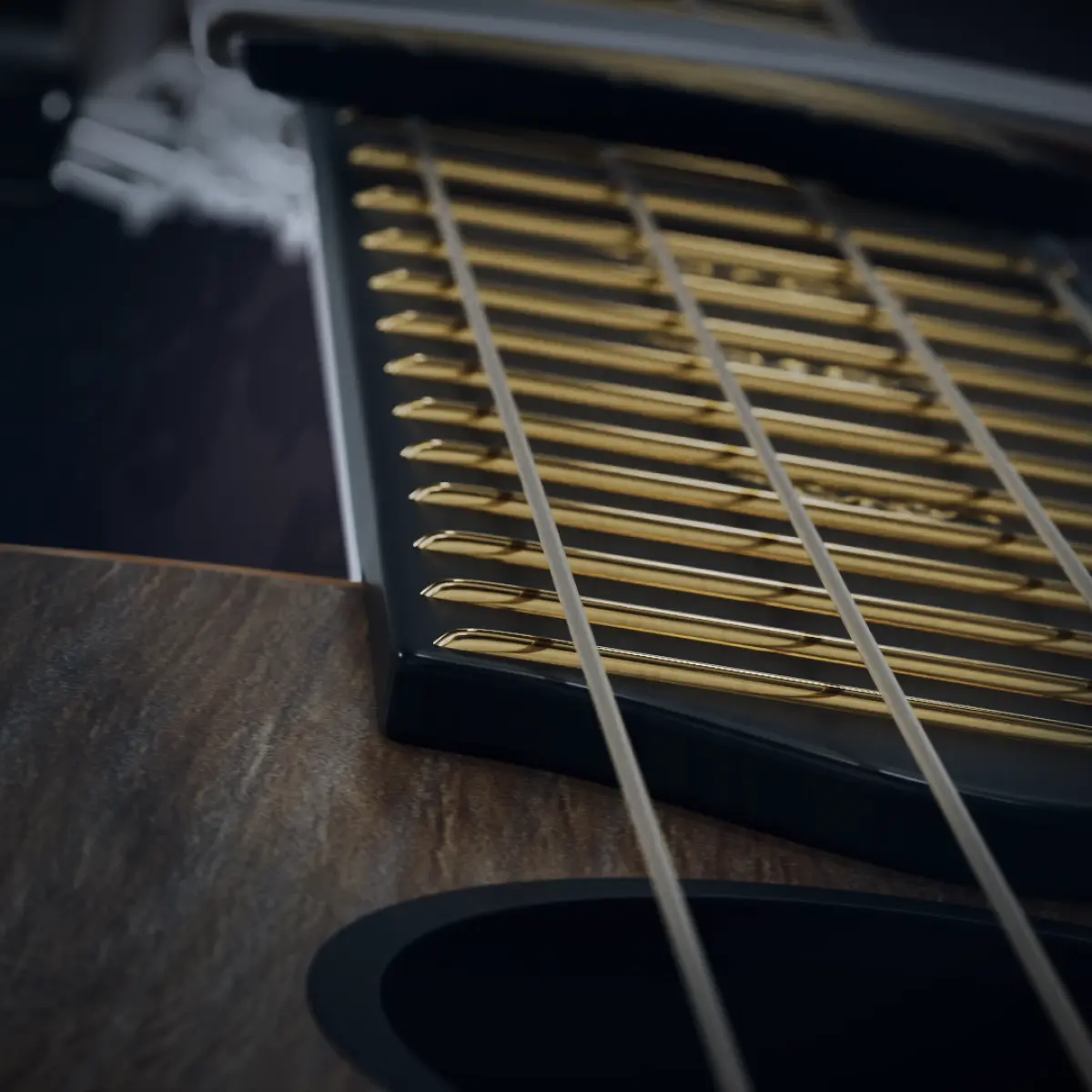
Varia is mainly designed to add rhythm to your music. It is an fully sampled acoustic string instrument with no pre-recorded loops or chords. Play a chord or a single note and Varia takes over. It picks the strings and frets and shapes the dynamics just like a session musician would. It works in any genre from cinematic, trailers and soundtracks to pop, rock and EDM. Thee instrument can play in front of the mix or sit quietly adding motion to the background.
Varia plays melodies too, like any other instrument. It comes with hundreds of rhythm and FX presets to get started quickly and some of them lead to truly unexpected results. A masterclass in sound design.
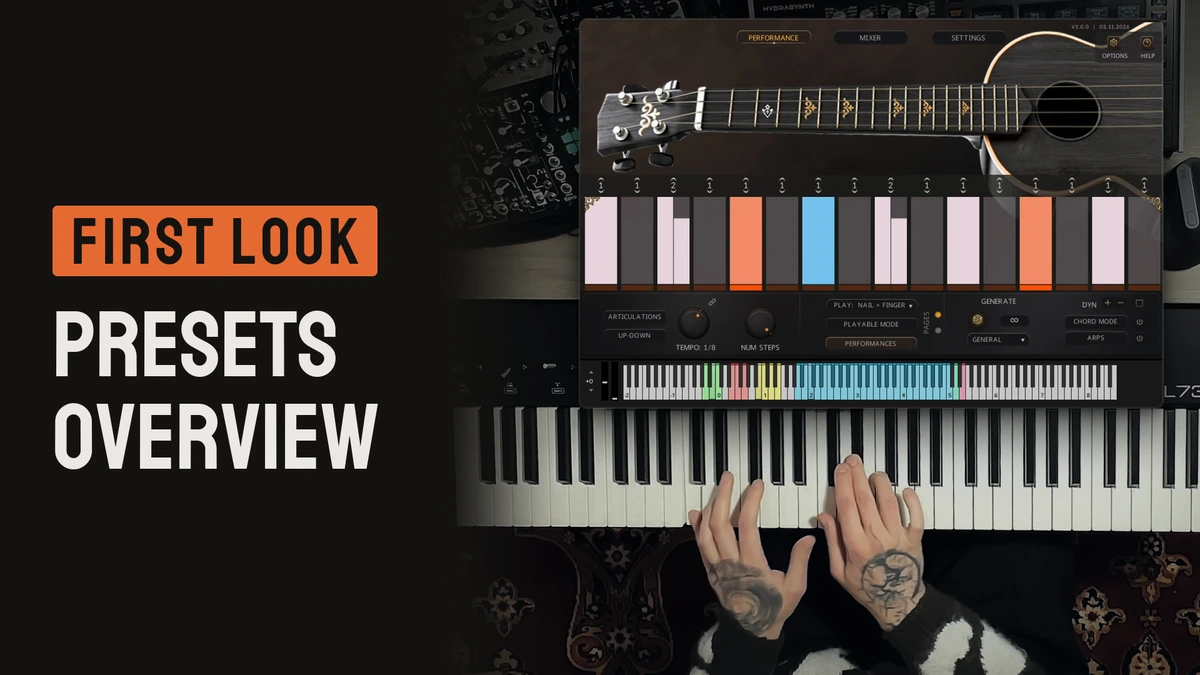
(detailed Walkthrough video is coming)
A bonus for
Dombra owners.
As a thank-you for owning Flow & Motion - Dombra, enjoy a special discount on Flow & Motion - Varia.
Use your Dombra serial number.
Enter your Dombra Native Access serial number in the coupon code field at checkout to receive your discount on Flow & Motion - Varia.
Your existing Dombra serial number is your coupon code.
Can’t find your serial number? If you purchased Dombra from the Wavelet Audio store, find your order (opens in a new tab) to retrieve it. Or simply email us, we will help to find your coupon code.
Need a hand? [email protected]
Start. Hit. Complete.
Here are some unprocessed snapshots from the library. This way, you can clearly hear the sound of Flow & Motion – Varia.
We have selected some that we and other composers made while testing Flow & Motion – Varia.
Made For Kontakt Player
This library is licensed for use in the free Kontakt Player. It can be used in Kontakt Player or the full retail version of Kontakt. It requires online registration through the Native Instruments Native Access system. This library is also fully compatible with Komplete Kontrol and all NKS Standard hardware and software by Native Instruments.


A rhythm part sounds real and natural because of what happens between the notes. The hand lands on the strings. The fingers move to the next fret. The timing pushes and pulls a little. With most sample libraries, you have to build all of this by hand, and that takes time.
We asked Ren to play melodies and rhythms. Then came the slow part. We cut each performance into single hits, one by one. Every hit keeps its attack, its finger noise and the small flaws of a live phrase. That is why Varia sounds natural.
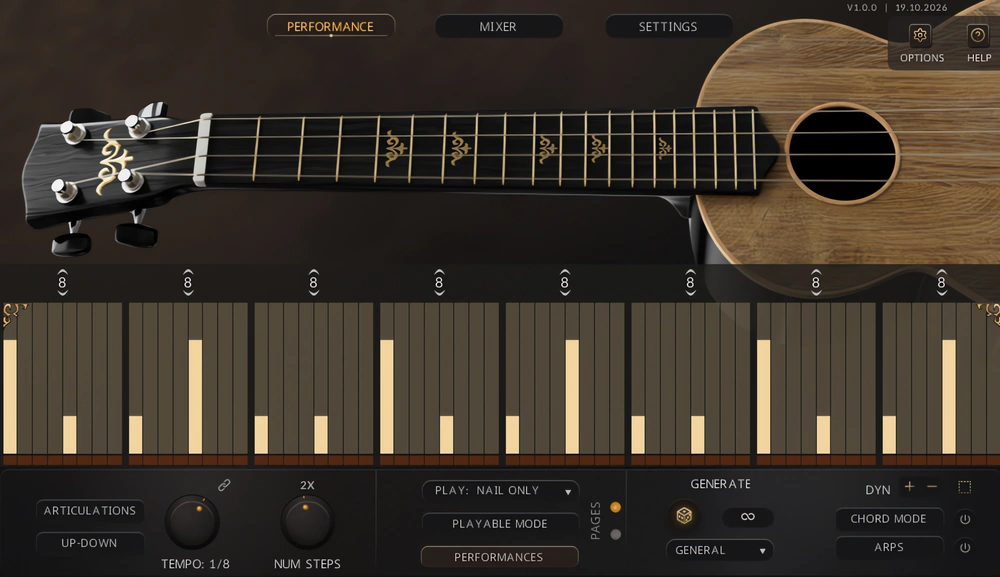
Have you ever found a rhythm library for Kontakt that you liked, but then realised that it’s built on one-shots? Then you play every strum by hand, note by note. Many libraries are hard to learn, or their engine is too basic for your own rhythms. Some use pre-recorded chords and you can’t change a single note inside them. We are composers too and we ran into all of this in our own work.
Flow & Motion – Varia has advanced engine but it stays easy to use. No need to spend a lot of time learning how exactly it works. Press a few keys and Varia picks the string and the frets for you. Then it plays the part with the timing and dynamics of a live player.
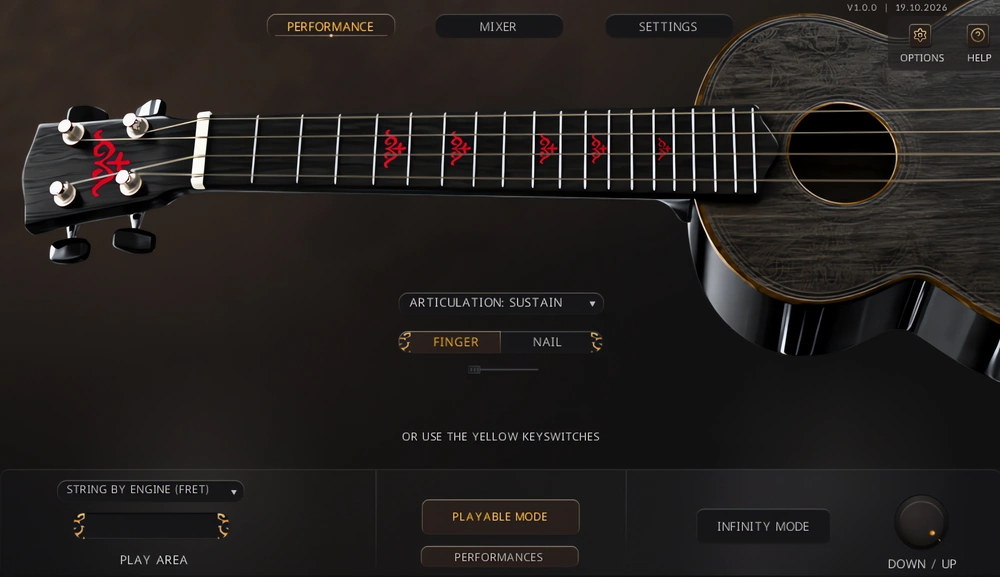
If you want to play melodies with single notes in a classical style, simply turn off the rhythm engine and switch to fully playable mode. Hold a yellow keyswitch to play a rhythm. Release it and you are back to single notes.
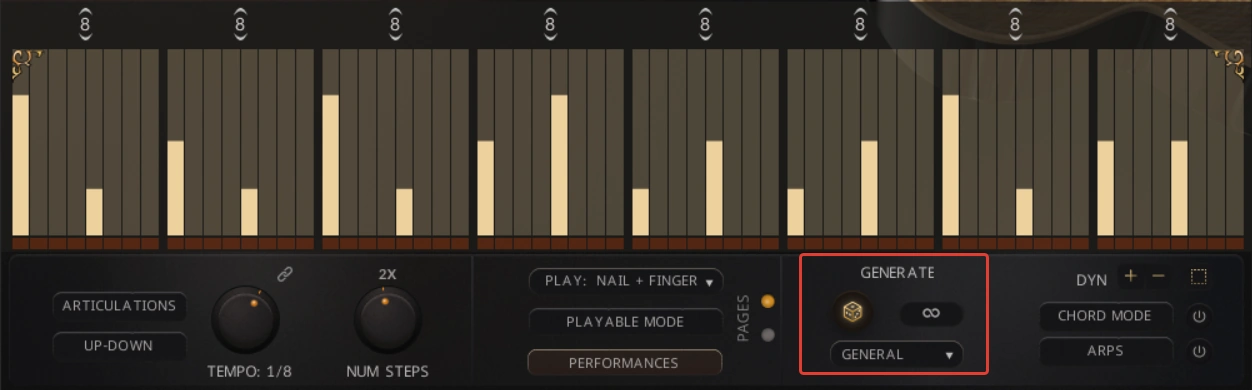
Generate writes a new rhythm for you. Behind it is a simple machine learning model trained on about 1200 rhythms. Infinity adds a small variation every time the rhythm loops and keeps the original as the base.
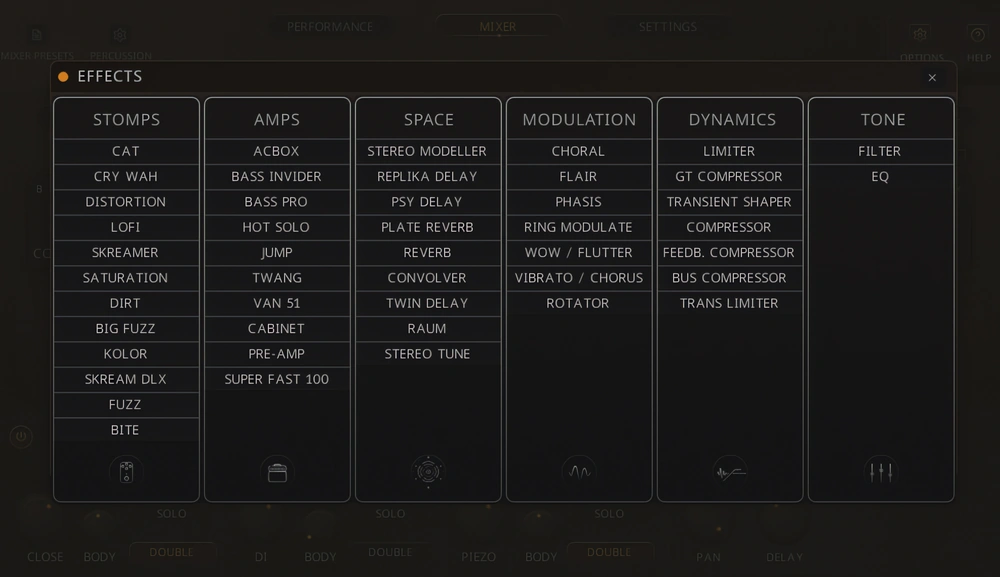
Each source and the master has its own FX rack with 8 slots. You can use 47 effects: amps, distortion, modulation, delays, reverbs, compressors, EQ and filters. 91 snapshots are built on this processing, from amp tones to experimental textures.
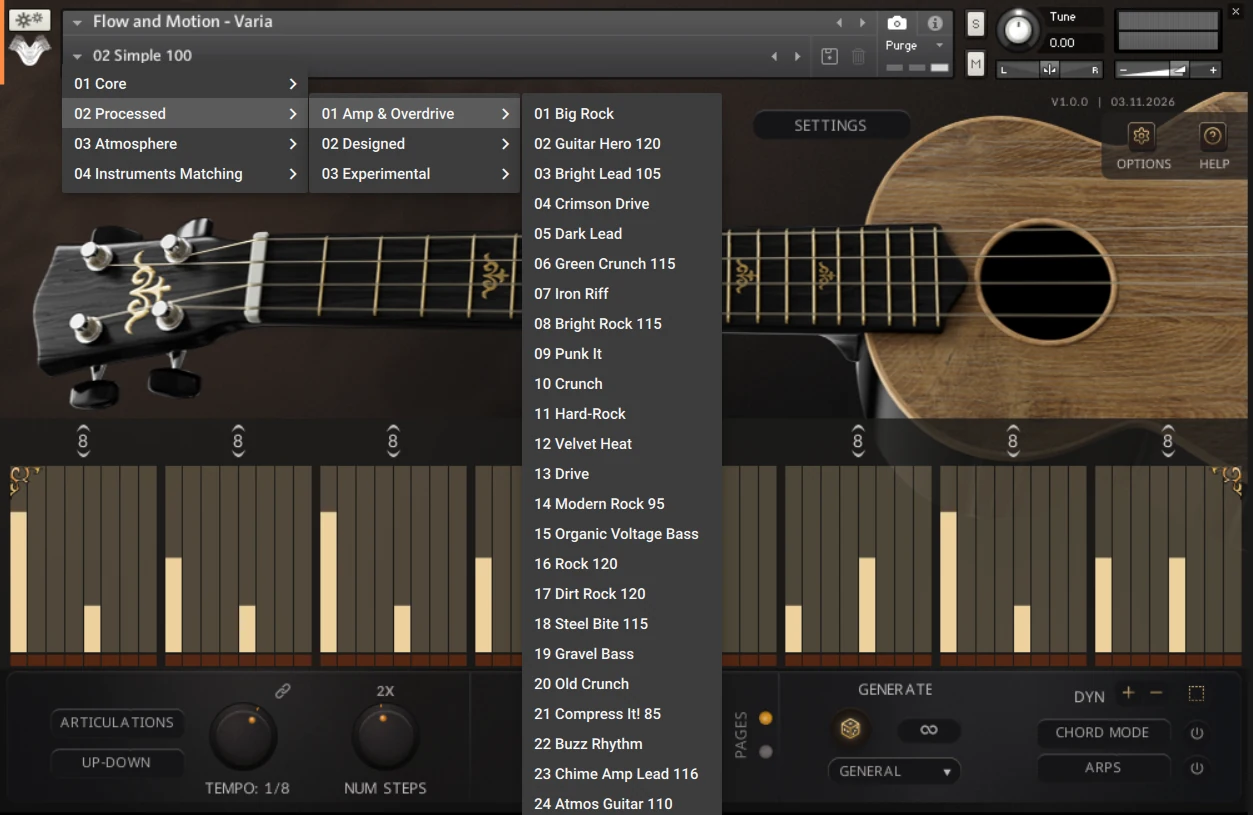
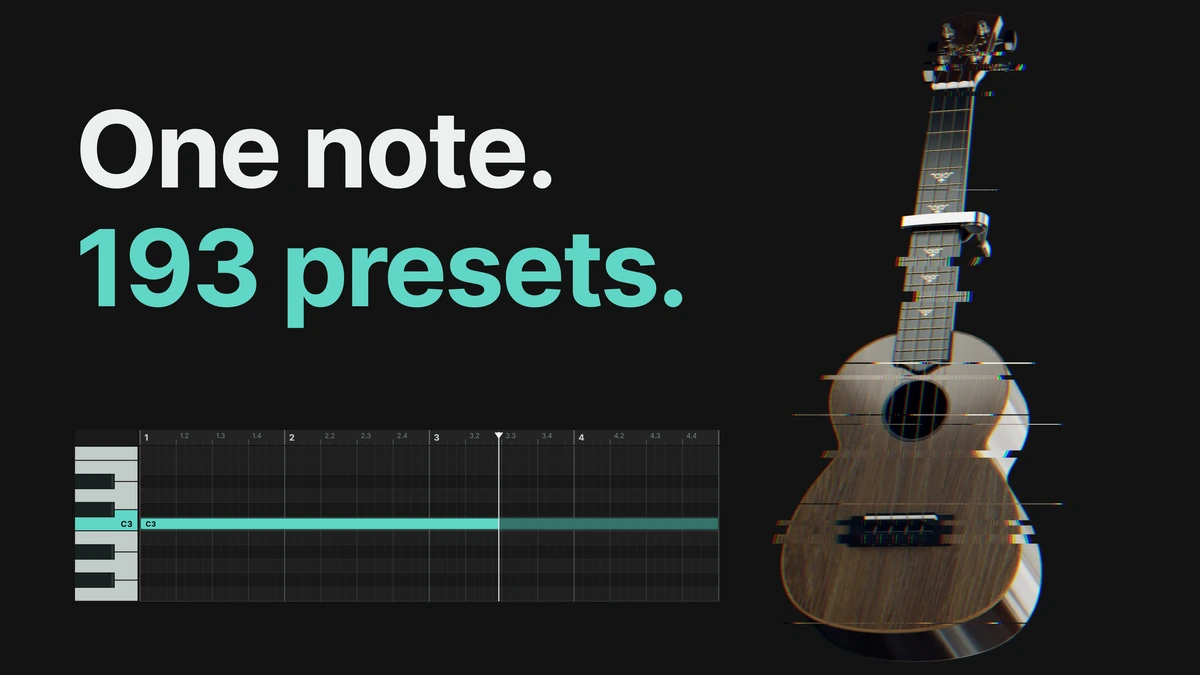
Varia comes with 193 snapshots in four folders:
- Core: Simple, Classic and Complex rhythm
- Processed: Amp & Overdrive, Designed and Experimental
- Atmosphere: ambient sounds and textures
- Instruments Matching: the tone and playing style of nylon and electric guitar, mandolin, balalaika, shamisen and bass, recreated inside the engine
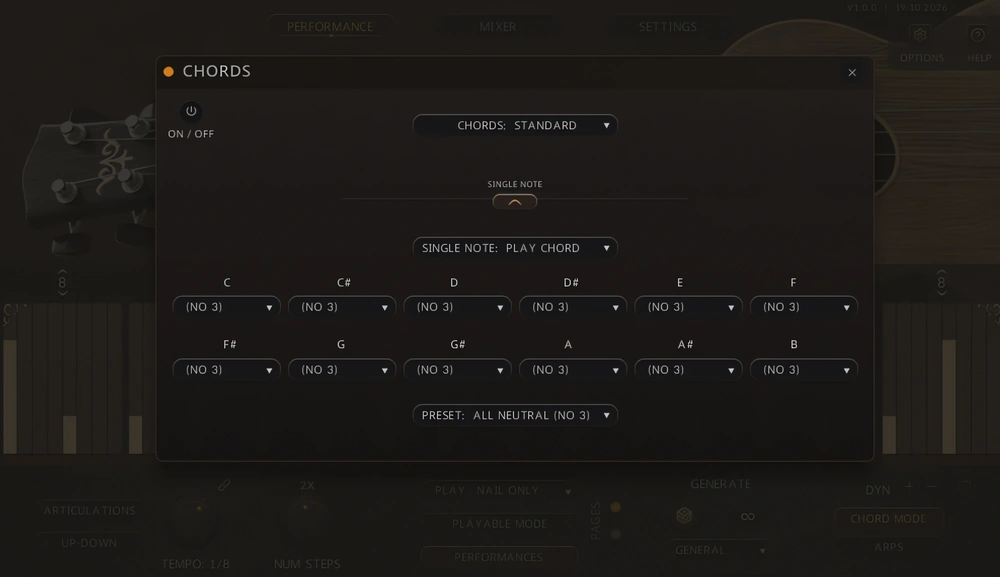
Turn on Chord Mode and play a chord (or one note) and Varia finds a voicing for it on the fretboard. The Chords menu sets how it sounds. You can also play a whole chord with one key.
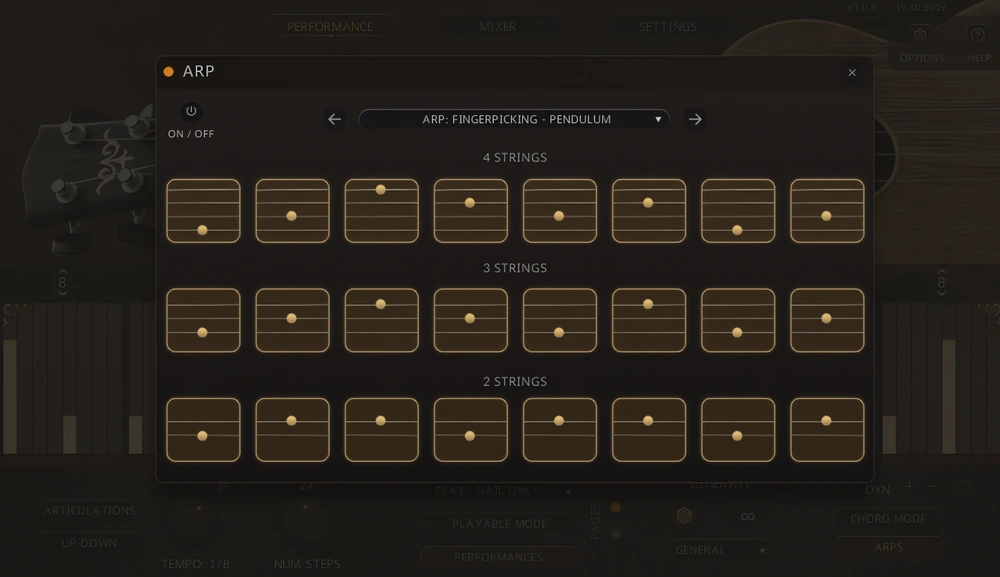
Arp Mode plays the strings in a pattern. One arp step for each rhythm step. There are 32 patterns in seven groups. A pattern adapts to the number of strings that play so it works with four, three or two strings.
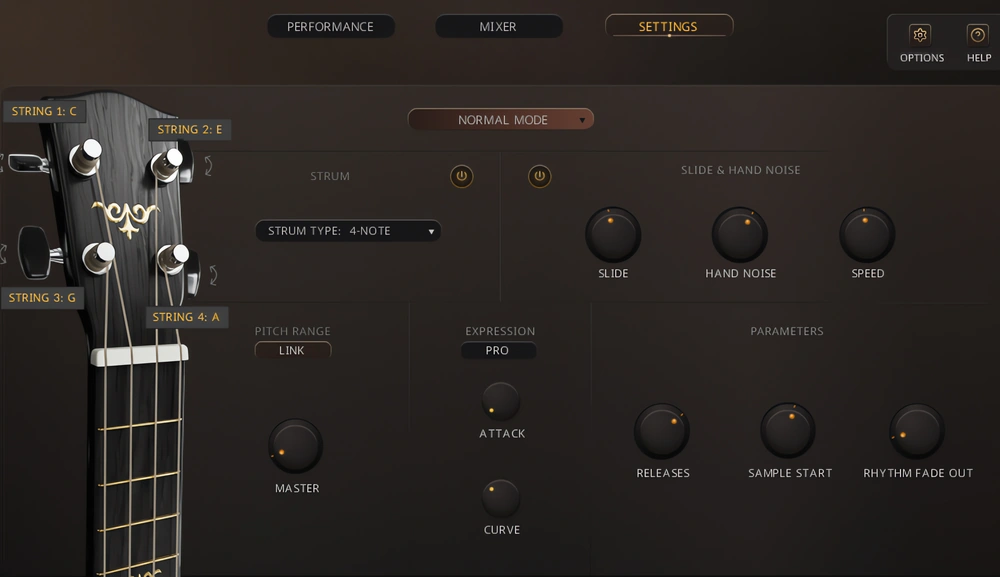
You can tune any string on the Settings page. String 1 goes from 3 semitones down to 7 up and the other three strings go 7 semitones either way. Varia follows your tuning when it picks strings and builds chords.
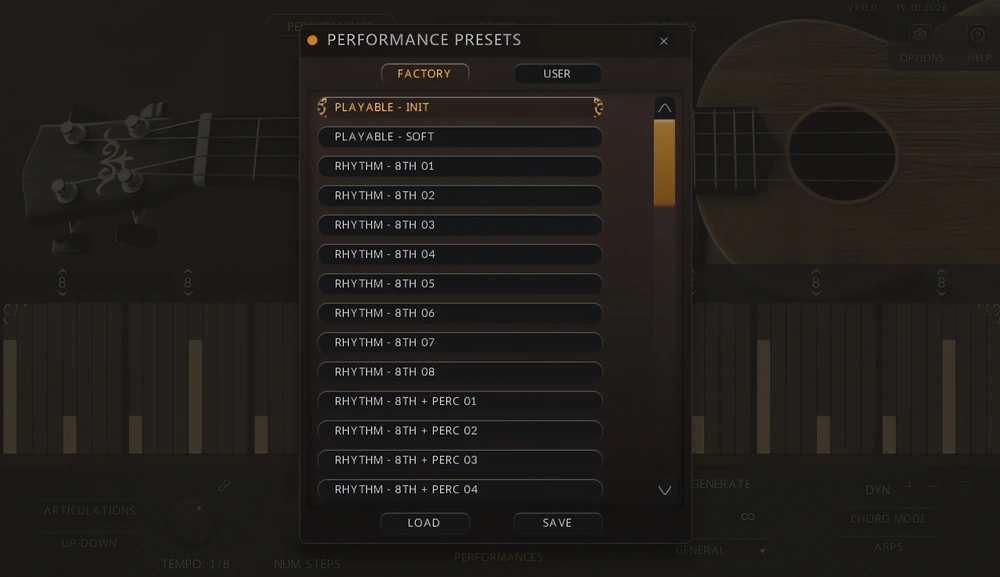
Varia has its own preset browser. On the Performance page it loads rhythm presets into the active rhythm slot, and on the Mixer page it loads mixer and FX presets. Save your own settings as User presets and you’ll find them next to the Factory ones.
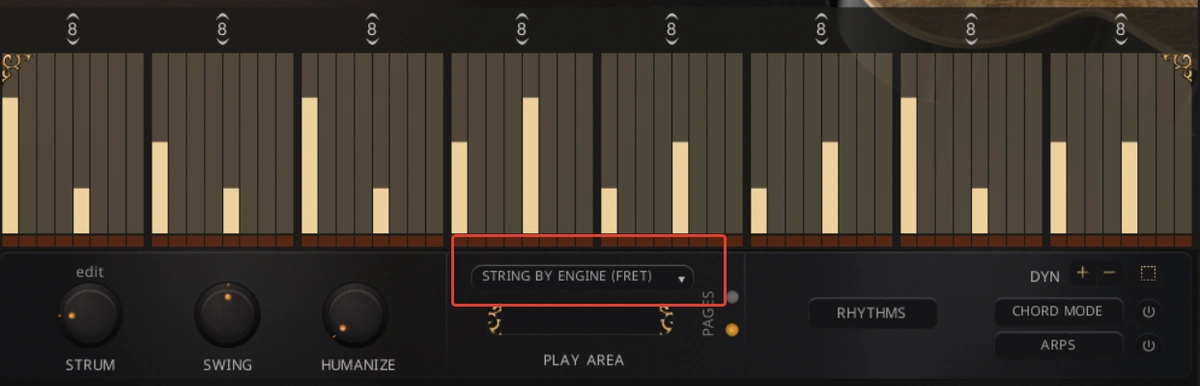
Varia is fully sampled. By default, Varia picks the string that keeps your notes close together on the fretboard. The same note has a different tone on another string so you may want to choose the string yourself. Set String By to Velocity and soft notes will go to the lowest string and hard notes to the highest.
Varia has no look-ahead. It hears a note only when the note arrives. If a new chord comes in up to 3 ms after a step has started, Varia strikes that step again with the new chord so chords placed exactly on the grid play on time. When you play live, press the keys of a chord together. A note that comes later joins on the next step.
Noise reduction is quite strong because we also captured a DI signal with analog compression during recording. We kept the finger noises and small imperfections of the performance on purpose. For a cleaner sound turn down Releases (-30 to +10 dB) and Hand Noise (-24 to +12 dB) in Settings or switch Slide & Hand Noise off.
Range. Varia plays two and a half octaves, To go lower use Pitch Down in Options (one or two octaves) or the Body knob, which adds a layer an octave below. In Settings you can retune each string. The lowest can be tuned from -3 to +7 semitones, the others can be tuned up to 7 semitones in both directions.
Chord Mode knows 13 chord types: Maj, min, sus2, sus4, 7, Maj7, min7, 7dim, min7b5, 6, m6, mb6 and (no 3). Other chords show N/A and play the notes you hold. With some string tunings a chord can’t be built at all.
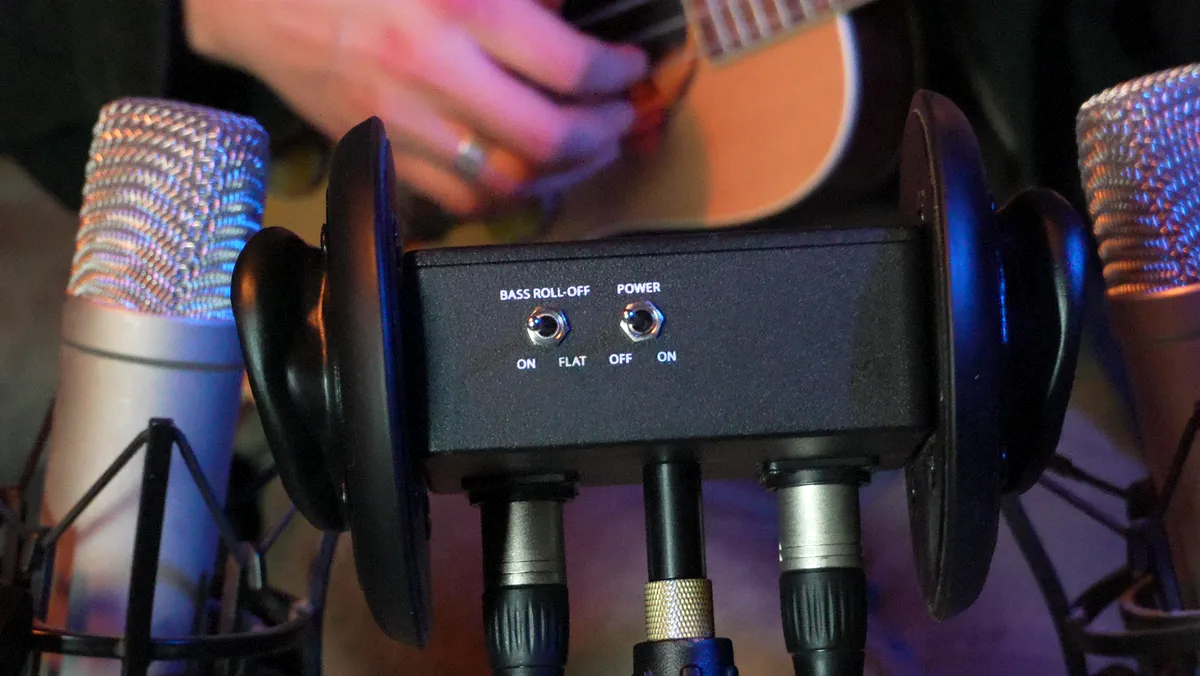
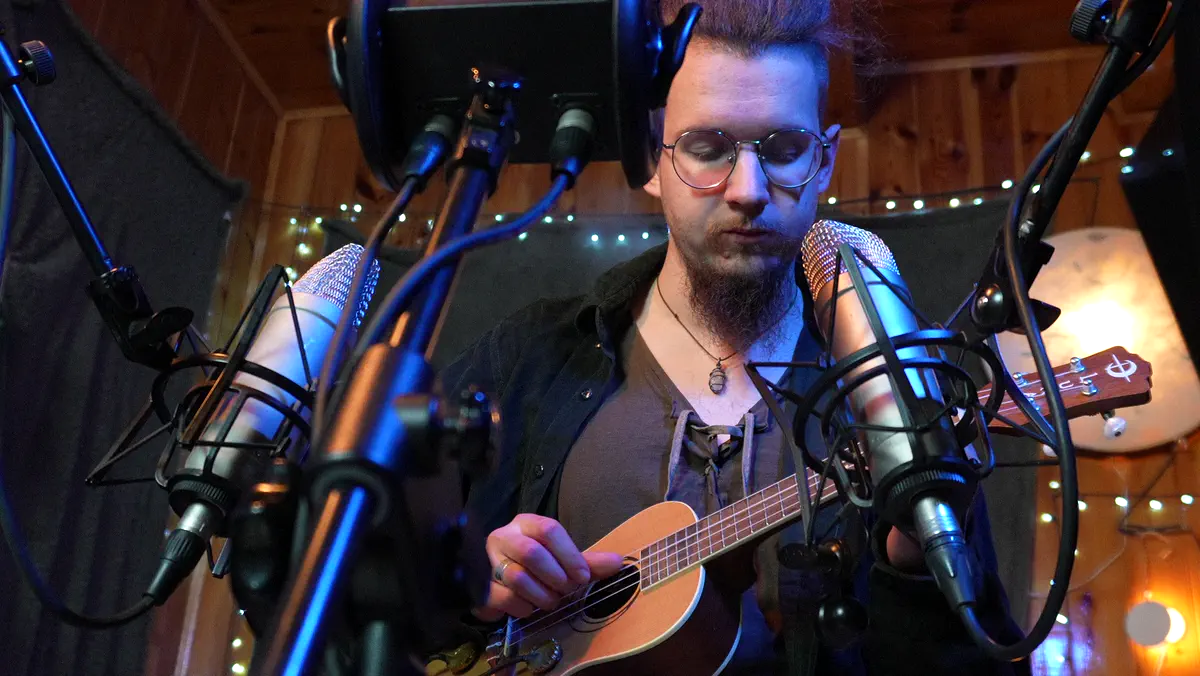
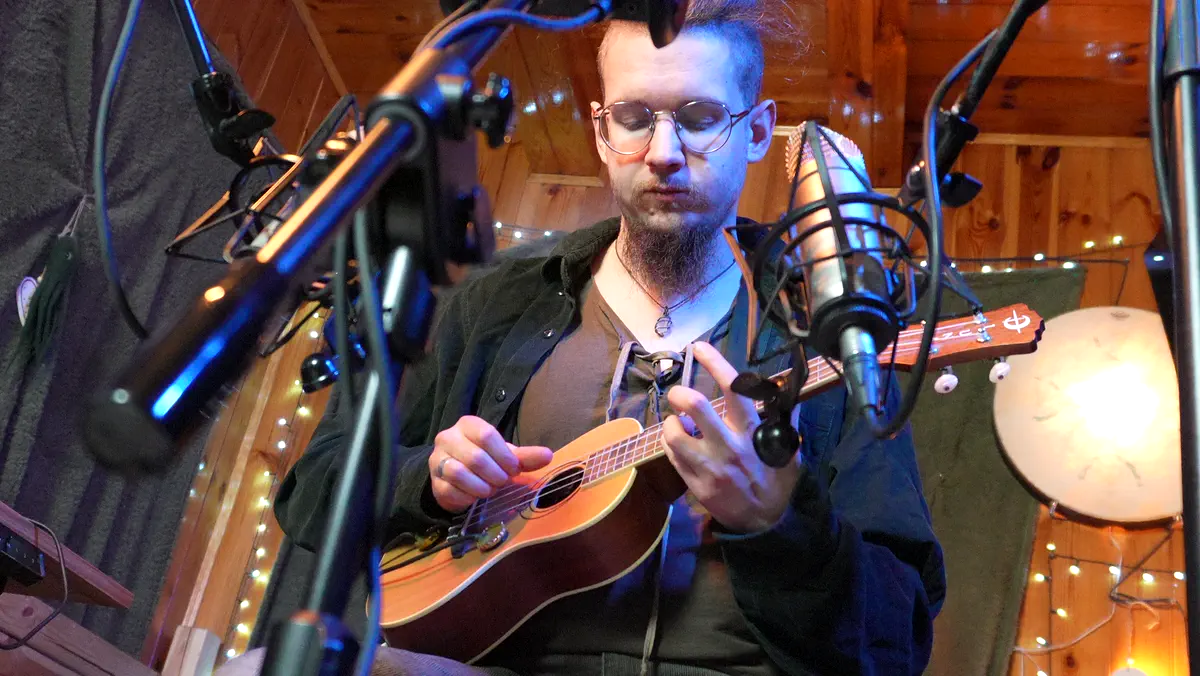
As before we used a performance sampling technique to record highly realistic samples for the new rhythm kontakt library. We applied all our previous experience with instruments to this new one.
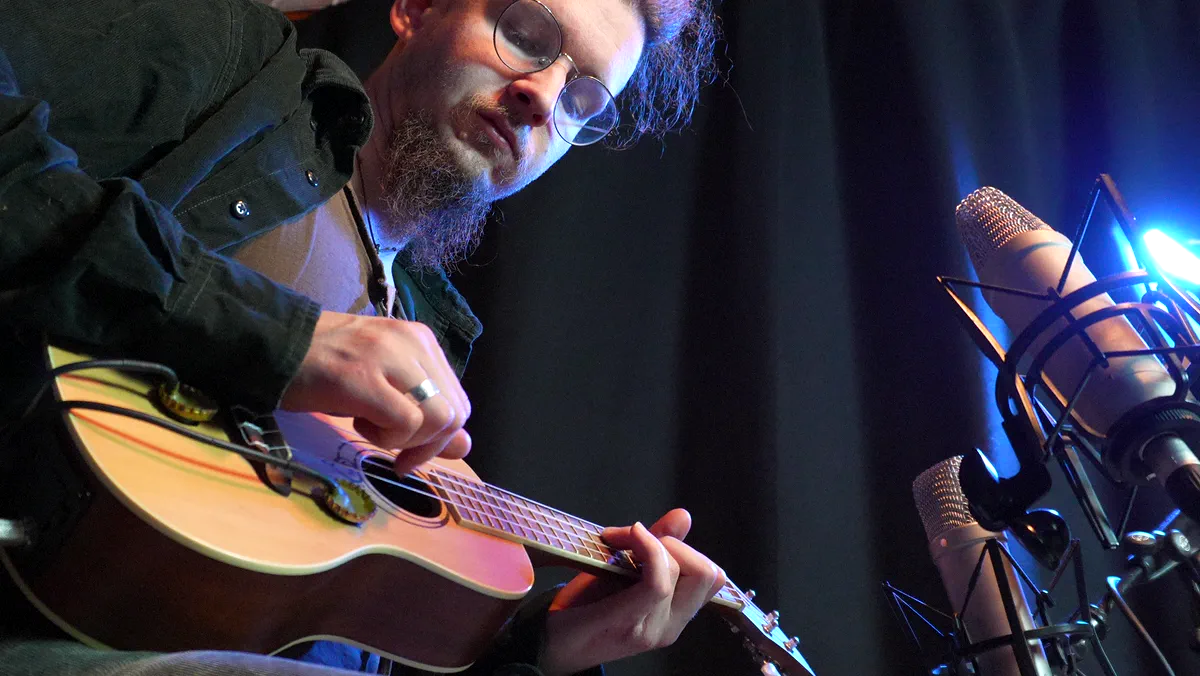
Varia began two years ago with a help of Ren Vas Terul.
You may already know Ren work from Secunda, our throat singing library based on kargyraa, the drones and the sound design. What you hear in Varia is Ren hands, ready to move your music.
Specification
Let’s sum it up.
Features
- Flexible engine (rhythm & playable) with presets
- FX Rack with presets
- 193 Snapshots
- Chord Mode
- Arp Mode
- 4 Articulations
- Legato slides
- 16 Round Robins (down and up)
- 4 dynamic layers
- 3 microphones (with doubletrack option)
- 24-bit / 48 kHz lossless NCW format
Requirements
- Works with Free Kontakt Player
- NI Kontakt 8.6.1 +
- 4.03 GB of hard drive space (5.83 GB of original sample material)
- Compatible with hardware by Native Instruments
Documentation